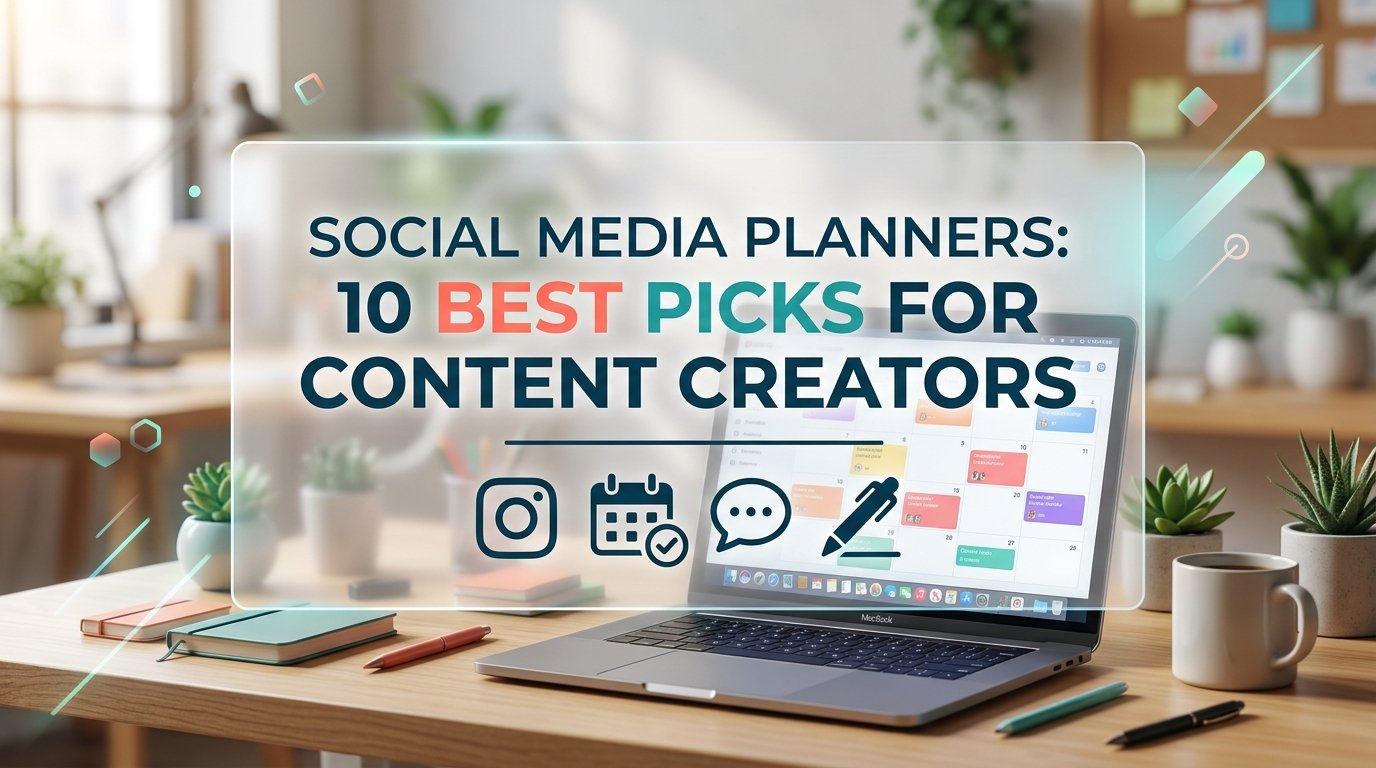
Social Media Planners: 10 Best Picks for Content Creators
Social media planners help you post with a plan instead of scrambling for ideas every morning. This list includes complete planners with brand, strategy and analytics pages, a Notion content calendar, a book of post prompts, simple weekly schedules and business planners with their own social media sections. Most are editable in Canva and can be printed or used on a tablet, so you can pick the format that fits your routine.
Quick Picks
- Best complete planner: Social Media Planner Printable Canva
- Best for reviewing results: Social Media Content Planner & Audit
- Best for many platforms: Social Media Planner Canva Templates 6
- Best for Notion users: Notion Social Media Content Planner
- Best for post ideas: 1000+ Social Media Design Prompt Planner
- Best for Etsy sellers: Etsy Shop Planner Canva
All-in-One Social Media Planners
These planners cover the whole process, from brand and strategy to scheduling and tracking results.
1. Social Media Content Planner & Audit

Posting without a plan makes it hard to tell what actually works, and this 10-page planner connects planning with results. It starts with a brand content foundation page and a content idea bank. A monthly content strategy, a monthly content calendar and a weekly content planner turn ideas into a schedule.
A social media post planner helps you prepare captions before you publish. The account audit, the analytics tracker and the monthly performance review show what to keep and what to change. It is an undated US Letter template in a clean black-and-white design, editable in a free Canva account and easy to print with little ink.
2. Social Media Planner Printable Canva

A strong social media presence starts with knowing your brand, and this 37-page planner begins exactly there. Pages for your brand, your accounts and up to five competitors lead into a SWOT analysis with learnings and opportunities. Brand voice pages and a brand voice chart help every post sound like you.
Content pillars, post ideas, hashtags and calls to action make writing posts faster. A posting schedule, daily and weekly to-do lists, important dates and a giveaway page keep the work organized, while trackers record followers, posts, reach and impressions. It comes as an A4 template editable in Canva, plus a printable PDF.
3. Social Media Planner Canva Templates 6

If you manage several platforms, separate planners keep each one from getting lost in a single calendar. This set includes a main social media planner and dedicated planners for Instagram, Facebook, Pinterest, Twitter, LinkedIn, TikTok and YouTube. Altogether there are 283 templates.
Each platform planner has its own post and content pages, so you can plan formats that fit that network. All templates share one celestial color palette, which keeps the whole system consistent. They are editable in Canva and come in A4 and US Letter sizes.
4. Notion Social Media Content Planner

If you already plan your work in Notion, this template keeps social media in the same workspace. An overview of upcoming posts shows what is scheduled next, and quick links take you straight to your social platforms. Pages for content strategy goals and a promotional funnel help you plan with a purpose.
Keyword and audience research pages, content pillars and a content ideas database support the creative side. A calendar view lays out your posts, and a monthly performance review shows how they did. It is a Notion template, so you need a Notion account to use it.
Content Ideas and Weekly Schedules
If you already know your strategy, these lighter tools help with ideas and a steady weekly rhythm.
5. 1000+ Social Media Design Prompt Planner

Running out of ideas is one of the most common reasons people stop posting, and this planner is built to solve that. It holds more than 1,000 prompts for posts, along with visual design challenges. Sections on content planning and strategy help you turn the prompts into a plan.
Engagement boosters and growth and marketing pages give ideas for building an audience. Notes and reflection pages record what worked. It includes print-ready PDF files and 55 templates editable in Canva, in US Letter size.
6. Weekly Content Schedule Template

A weekly layout is often the easiest way to post consistently without feeling overwhelmed. This minimal template maps out posts for each platform across the week. It suits Instagram, TikTok, YouTube and Facebook planning.
Space for captions, hashtags, deadlines and engagement goals keeps all the details in one place. The template is fully editable in Canva, so you can change colors, fonts and sections. You receive a PDF with the Canva link and a PNG version to print or use on a tablet or phone.
7. Weekly Business Promo Planner – Socials

Promotions work best when they are planned ahead, and this planner gives small businesses a simple weekly system for them. It brings promotions, social media posts and marketing ideas onto one page. It suits small business owners, coaches, online sellers and content creators.
Planning one week at a time keeps the routine short and easy to repeat. The template is editable in Canva, so you can match it to your brand colors and fonts. You receive a PDF with the Canva link and a PNG, ready to print or fill in on a tablet.
Business Planners with Social Media Pages
For business owners, these planners keep social media next to finances, products and launches.
8. Small Business Planner

Social media is only one part of running a business, and this 40-page planner keeps it next to everything else. Business overview pages cover your vision, mission, goals and a SWOT analysis. A marketing and social media planner schedules content and tracks engagement.
Finance and budget trackers, tax and expense sheets and sales and product trackers handle the numbers. Daily, weekly and monthly planners, a goal and campaign manager and branding and customer pages complete the system. It comes as a print-ready PDF, an editable Canva link and JPG and PNG files in 8.5 x 11 inches.
9. Etsy Shop Planner Canva

An Etsy shop needs steady promotion, and this workbook plans the shop and its marketing together. It starts with niche, audience and shop idea pages, then moves to product brainstorming, validation and pricing. Competitor research and Etsy SEO and listing pages help your products get found.
A content planner and social media planning pages sit alongside marketing, launch, email and ad tracking sections. Seasonal planning, to-do lists and workflow pages keep the shop running smoothly. The calm beige US Letter design is editable in free and Pro Canva accounts, for printing or digital use.
10. Digital Product Planner

Launching a digital product takes more than making it, and this workbook guides you from idea to launch. Pages for your passion, niche and audience lead to idea brainstorming and validation. Product creation, offer planning, a pricing calculator and competitor analysis follow.
A marketing strategy and launch plan, a content planner and a social media strategy section help you promote the product. An email campaign and ad tracker, a seasonal planner, to-do lists and a work schedule keep things on track. It uses a minimal beige design in US Letter size, editable in Canva for printing or digital use.
Social Media Planners at a Glance
| Type | Best for | Key features | Format |
|---|---|---|---|
| All-in-one planners | Building a full content strategy | Brand pages, content calendars, analytics, audits | Canva, printable PDF, Notion |
| Ideas and weekly schedules | Posting consistently | Post prompts, weekly post plans, captions and hashtags | Canva, PDF, PNG |
| Business planners | Small business owners and sellers | Marketing and social media pages plus finances and products | Canva, printable PDF |
How to Plan Your Social Media Content
- Choose your platforms. Focus on the one or two networks where your audience spends time.
- Set three to five content pillars. Pillars are the main topics you post about, and they make ideas easier to find.
- Collect ideas in one place. Write every idea down as soon as it comes, then pick from the list when you plan.
- Plan a week or a month ahead. Fill in the dates, the platform, the format and a short caption for each post.
- Batch your work. Write captions and prepare images in one session instead of every day.
- Review your results monthly. Note which posts brought the most engagement and plan more of them.
FAQ
How do I create a social media content plan?
Start with your goals and your audience, then choose a few content pillars. Collect ideas for each pillar, decide how often you will post on each platform and put the posts into a calendar. Review the results at the end of the month and adjust the plan.
How far ahead should you plan social media content?
Many people plan one week to one month ahead. A monthly plan gives you a clear overview, while a weekly plan leaves room for trends and news. Seasonal campaigns and launches are worth planning several weeks earlier.
What should be included in social media planners?
Useful pages include a content calendar, a post planner with space for captions and hashtags, an idea bank and a place to track results such as followers, reach and engagement. Brand and strategy pages help if you are just starting out.
Can I use Canva to make a social media calendar?
Yes. Canva templates let you edit the layout, colors and text and then print the calendar or use it on a tablet. A ready-made template saves time compared with designing a calendar from scratch.
Is Notion good for social media planning?
Notion works well if you like databases and calendar views, because you can sort posts by date, platform or status. It suits people who already use Notion for other work, while printable planners suit those who prefer paper.
Final Thoughts
Good social media planners make posting feel like a routine rather than a daily scramble. Start with a calendar and an idea bank, then add strategy, analytics or business pages as your account grows. For background on how these platforms work, see this article on social media marketing.